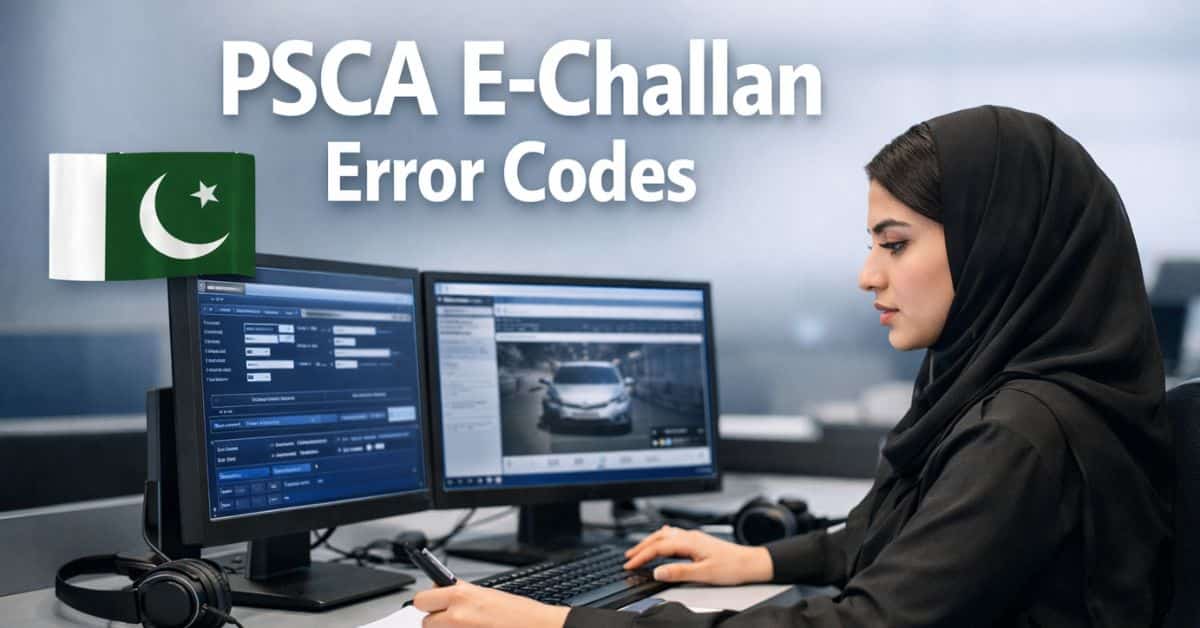
The Punjab Safe Cities Authority (PSCA) E-Challan Error Codes Explanation has updated traffic enforcement through its e-Challan system, enabling drivers to verify, monitor, and pay traffic fines electronically. However, numerous vehicle owners encounter technical error codes when verifying their challans online. The most frequent issues include Error 400, Error 404, and Pending Status.
This guide provides a clear explanation of PSCA E-Challan error codes in straightforward English, detailing the meaning of each error, the reasons for its occurrence, and the steps you can take to resolve it efficiently.
What Is PSCA E-Challan System?
The PSCA E-Challan system is an electronic traffic enforcement platform utilized in Punjab. Traffic cameras systematically record infractions such as:
- Red-light jumping
- Over-speeding
- Helmet violation
- Lane violation
- Illegal parking
Once recorded, an electronic challan is issued against the vehicle and stored in the PSCA’s database, which can be accessed online using the vehicle number.
Why Do PSCA E-Challan Error Codes Appear?
PSCA error codes appear due to:
- Server capacity exceeded
- Invalid vehicle details
- Incomplete processing of the challan
- Data synchronization delays between traffic authorities and PSCA
- Temporary System Maintenance
Understanding the error code enables you to respond appropriately rather than despair.
What Does Error Code 400 Mean?
Error 400 typically indicates a “Bad Request.” The system is unable to process the request due to the provided information being invalid or insufficient.
Common Reasons for PSCA Error 400:
- Incorrect vehicle number format
- Omission of hyphen or incorrect use of letters
- CNIC discrepancy with vehicle records
- Session has expired.
- Stored or corrupted browser cache data
How to Fix PSCA E-Challan Error 400:
- Please re-enter your vehicle number accurately (e.g., LEA-1234, not LEA1234).
- Clear the browser’s cache and cookies.
- Please attempt using a different browser, such as Chrome or Edge, which are recommended.
- Utilize incognito or private browsing mode
- Please attempt again after 10 to 15 minutes.
If the error persists, it generally indicates that the challan data has not been completely uploaded yet.
Check Also: Can One PSID Be Used for Multiple E-Challans
What Does Error Code 404 Mean?
Error 404 indicates that the record was not found.The system is unable to find any challan associated with the provided vehicle number.
Common Reasons for PSCA Error 404:
- The challan has been recently issued and has not yet synchronized.
- The vehicle number has been input incorrectly.
- Challan issued through manual process, not electronically.
- Vehicle registered in a different province
- Temporary disruption in the PSCA database
How to Fix PSCA Error 404:
- Verify the spelling of your vehicle number carefully.
- Wait 24 to 72 hours following the violation.
- Verify once more during off-peak hours.
- Visit the nearest traffic police assistance center if the matter is essential.
PSCA E-Challan Pending Status Explained
What Does “Pending” Status Mean?
A Pending e-Challan indicates that the violation has been documented; however, certification or verification is still underway.
Reasons for Pending E-Challan Status:
- Camera footage currently under examination
- Verification must be conducted manually
- Discrepancy between CNIC and vehicle ownership details
- System backlog
- Multiple infractions associated with the same vehicle
How Long Does Pending Status Take?
- Usually 2 to 7 working days
- In rare cases, up to 14 days
How to Track PSCA E-Challan Status Correctly?
To avoid errors:
- Access the official PSCA e-Challan portal
- Please enter the vehicle number with attention.
- Utilize the most recent version of the browser.
- Avoid traveling during prime hours (11 a.m. to 6 p.m.).
- Capture a screenshot when an error occurs
What If PSCA E-Challan Error Is Not Fixed?
If the problem continues for a period exceeding seven days, you should:
- Visit Traffic Police Khidmat Markaz
- Carry:
- CNIC
- Vehicle registration book
- Screenshot of error
They are able to manually verify or amend the challan.
Can PSCA E-Challan Errors Cause Legal Trouble?
Yes, ignoring unresolved challans may result in:
- Obstruction of vehicle during transfer
- Renewal challenges related to licensing
- Legal summons to appear before the court
- Elevated penalty incurred after the due date
Always resolve errors before the challan due date.
Tips to Avoid PSCA E-Challan Errors in Future:
- Maintain current vehicle registration records
- Verify that the CNIC corresponds with the vehicle record.
- Adhere diligently to traffic regulations.
- Verify the challans on a weekly basis if you travel daily.
- Make timely payments of challans as they become due.
PSCA E-Challan Error Codes Summary Table
| Error Code | Meaning | Solution |
|---|---|---|
| 400 | Invalid request | Re-enter data, clear cache |
| 404 | Record not found | Wait 24–72 hours |
| Pending | Under review | Wait for approval DMCA |
Conclusion:
PSCA E-Challan errors like 400, 404, and Pending status usually occur due to incorrect details, system delays, or verification processes. Understanding these errors and following proper steps ensures quick resolution and avoids legal complications. Regularly checking and updating vehicle records helps prevent future issues.
Frequently Asked Questions:
What is the PSCA E-Challan system?
It’s an online platform in Punjab that records traffic violations and allows vehicle owners to verify and pay fines electronically.
What does Error 404 mean?
Error 404 means the system couldn’t find a record for the entered vehicle number, often due to recent issuance, manual challans, or incorrect input.
What does Error 400 mean?
Error 400 indicates a “Bad Request,” usually caused by incorrect vehicle details, session expiry, or browser issues.